iQS-QVADK: How to Switch and Run the Applications
SDKMulti-streamCameras
This page lists the applications of iqs-qvadk and shows how to switch between them. To deploy and run iqs-qvadk for the first time, see the application guide.
Note: The demo GIFs may take some time to load. If one does not appear immediately, please wait.
| Application | Channels | Models (classes) | Description | Preview |
|---|---|---|---|---|
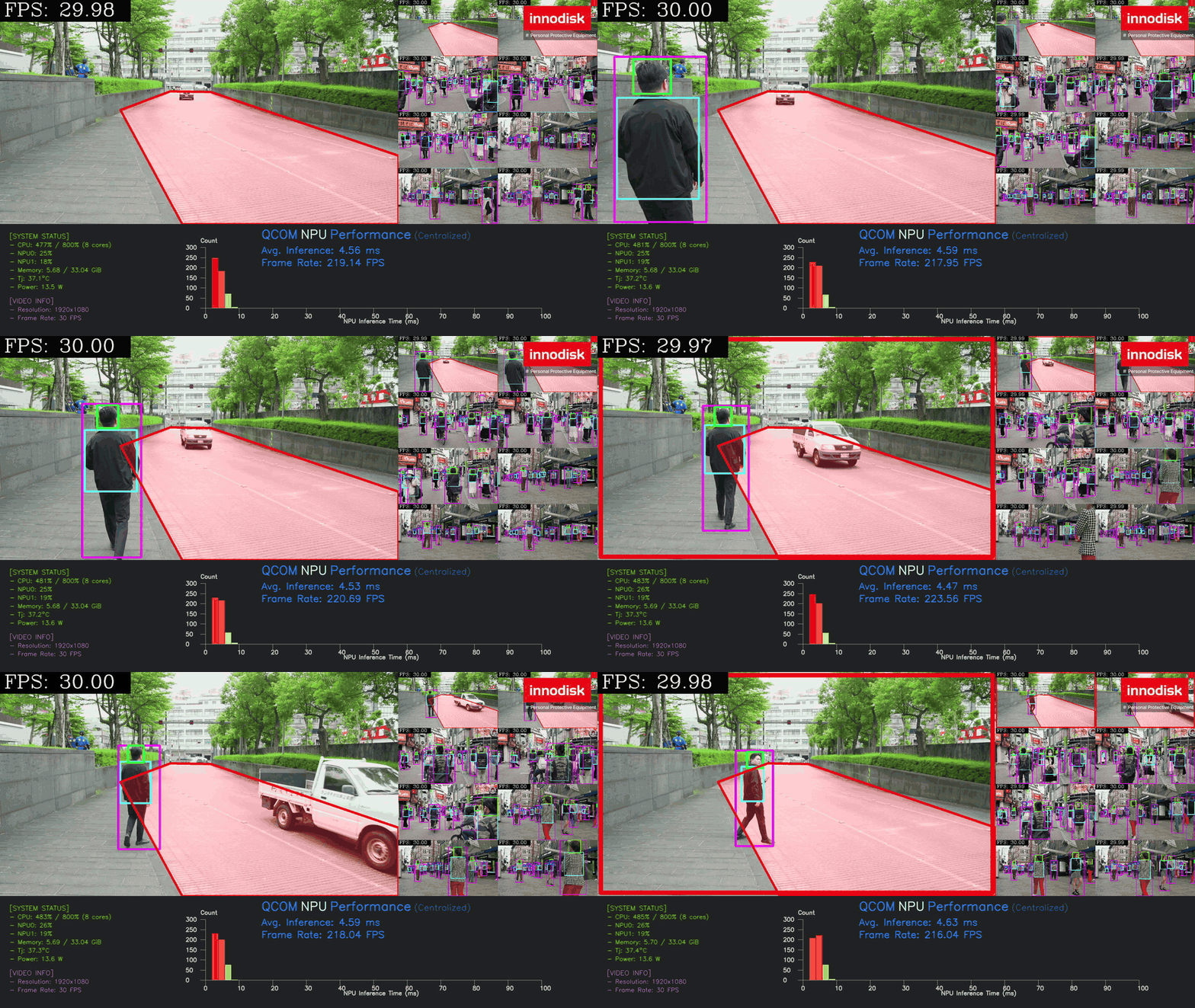
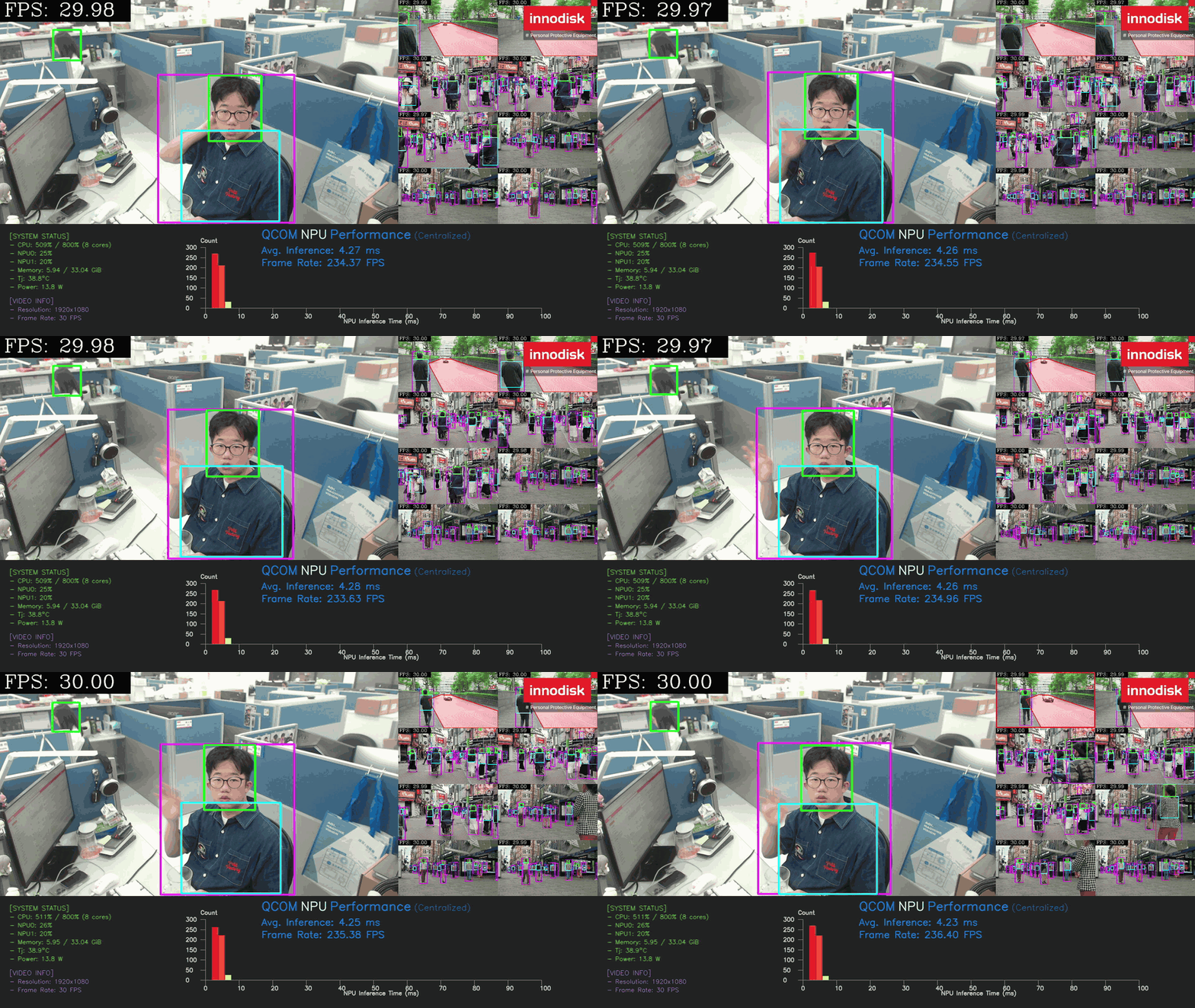
| PPE | 9 | yolo26n (5) | Runs PPE and ROI person detection on 9 streams. | 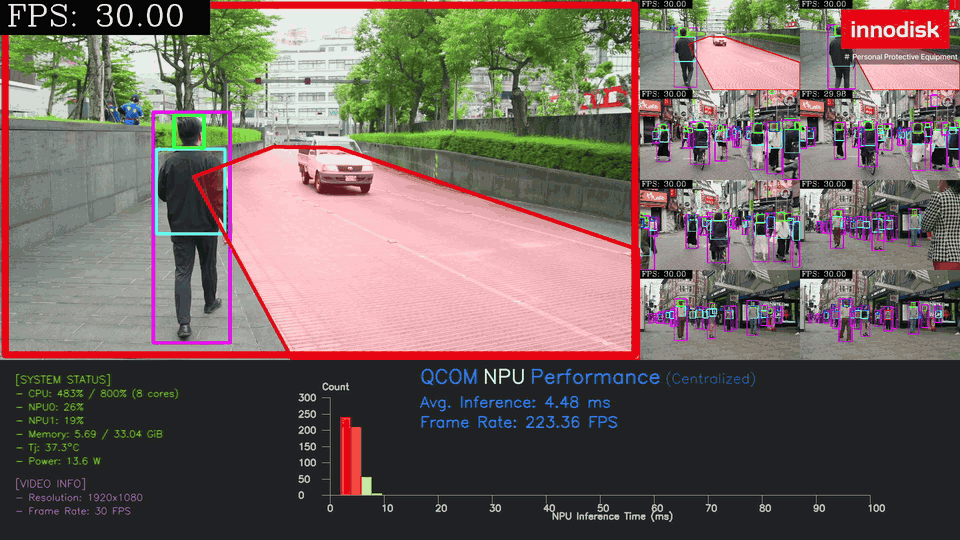 |
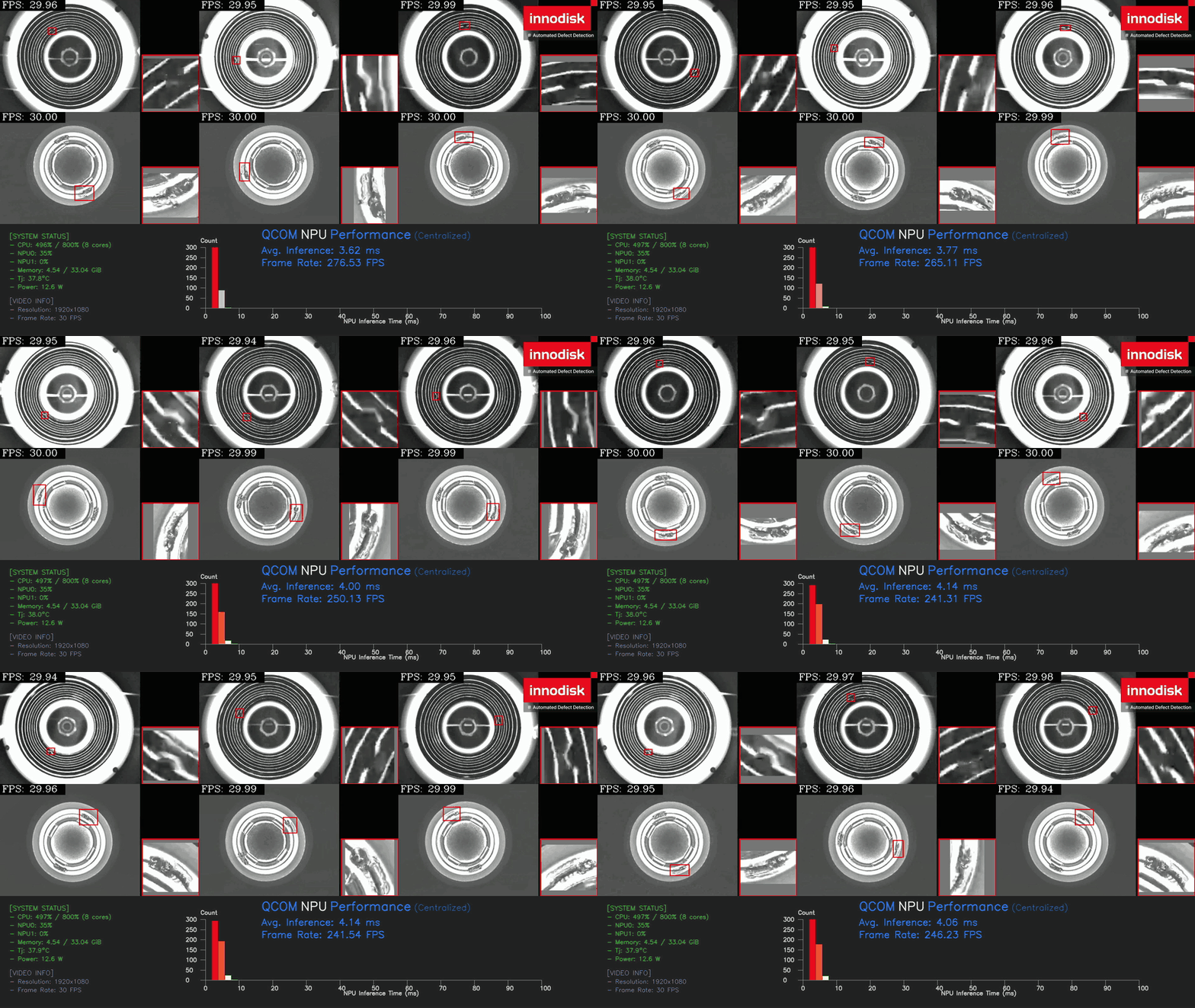
| Defect detection | 6 | yolov10n (1) | Runs one independent YOLO model on each of 6 streams to detect screw defects on a production line. | 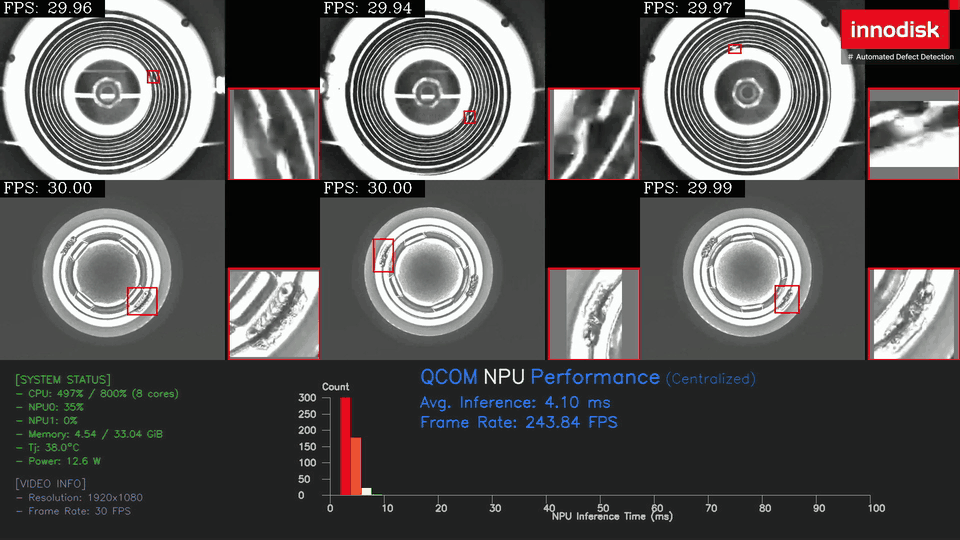 |
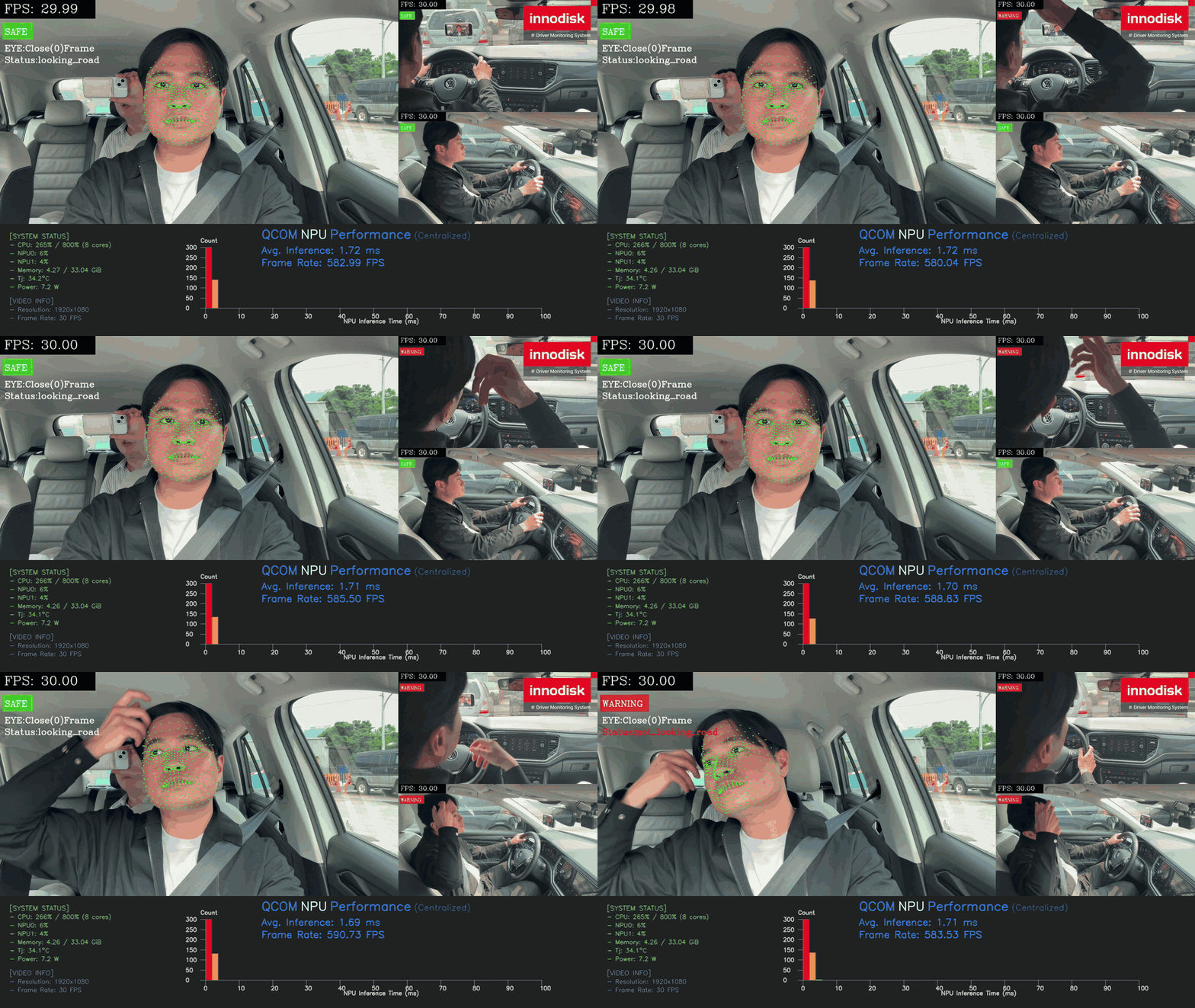
| DMS | 3 | scrfd (1), landmark (1), resnet18 face (2), resnet18 hands (3), resnet50 body (5) | Chains face, gaze, hand and body models on each of 3 driver streams (5 models in total) and shows a warning on high-risk behavior. | 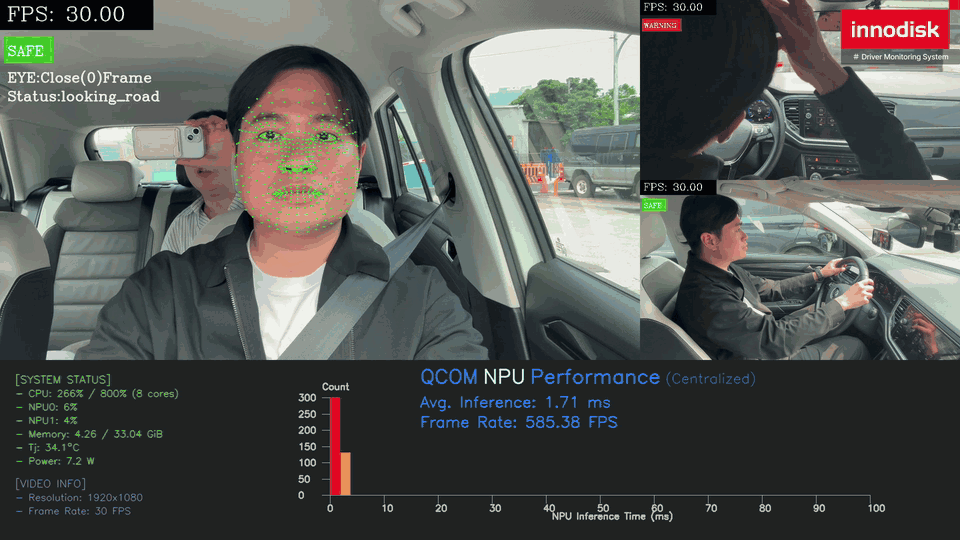 |
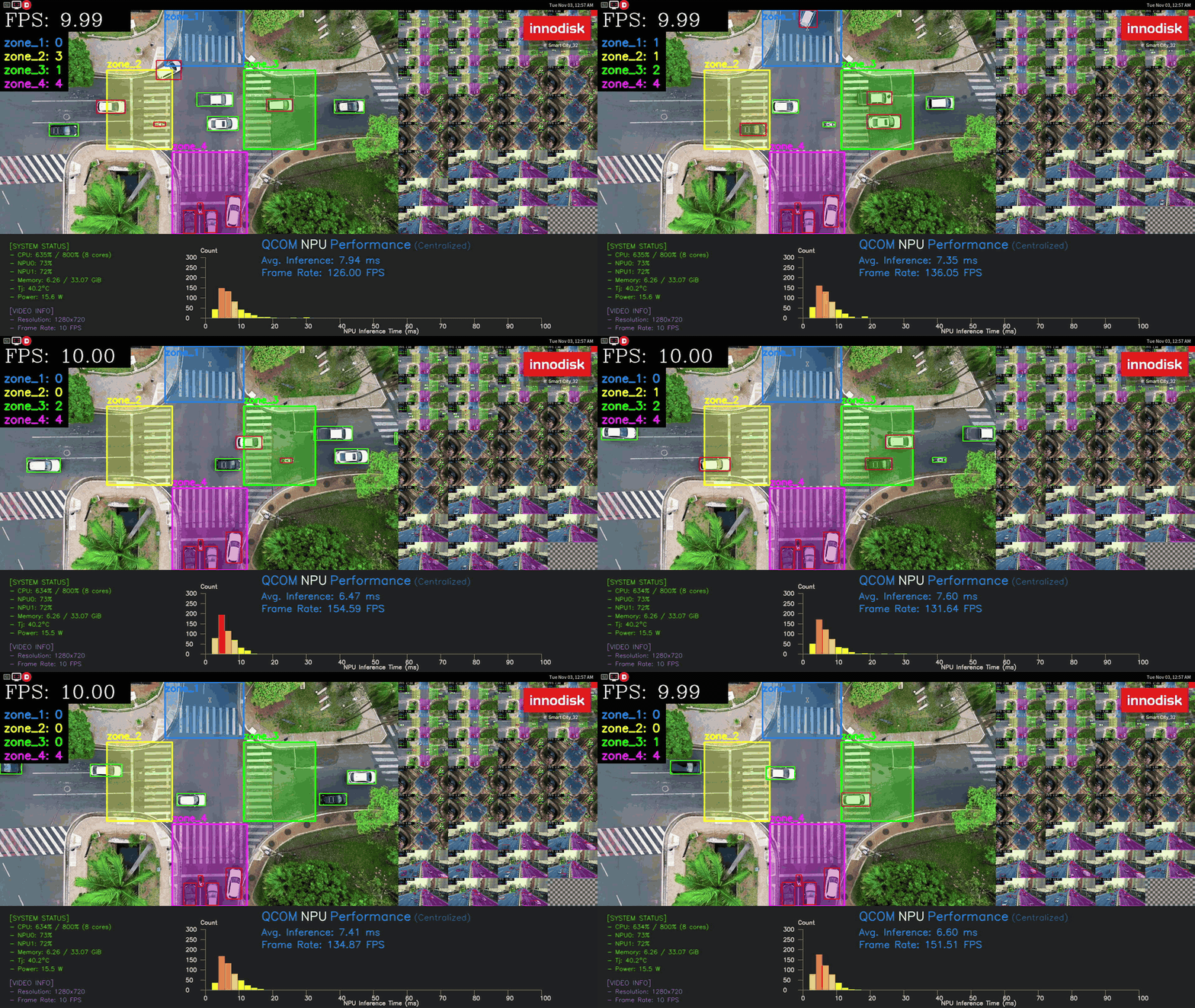
| Smart City | 32 | yolo26n (5) | Runs vehicle detection on 32 streams of a road intersection seen from above, counts the vehicles in each zone, and shows the NPU inference performance. | 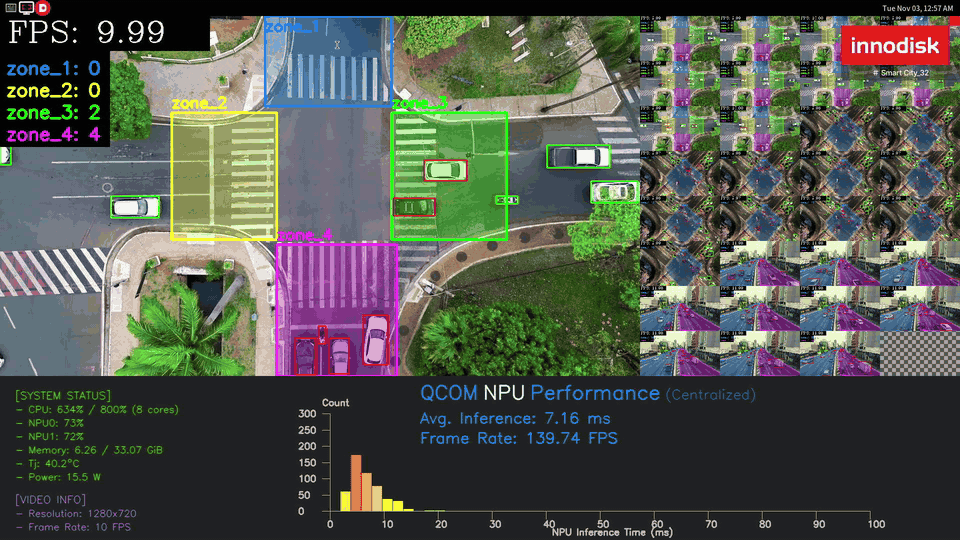 |
How to switch and run an application
Close the running application before starting another one.
PPE (default)
Defect detection
Use --other to load the Defect detection config.
PPE with camera
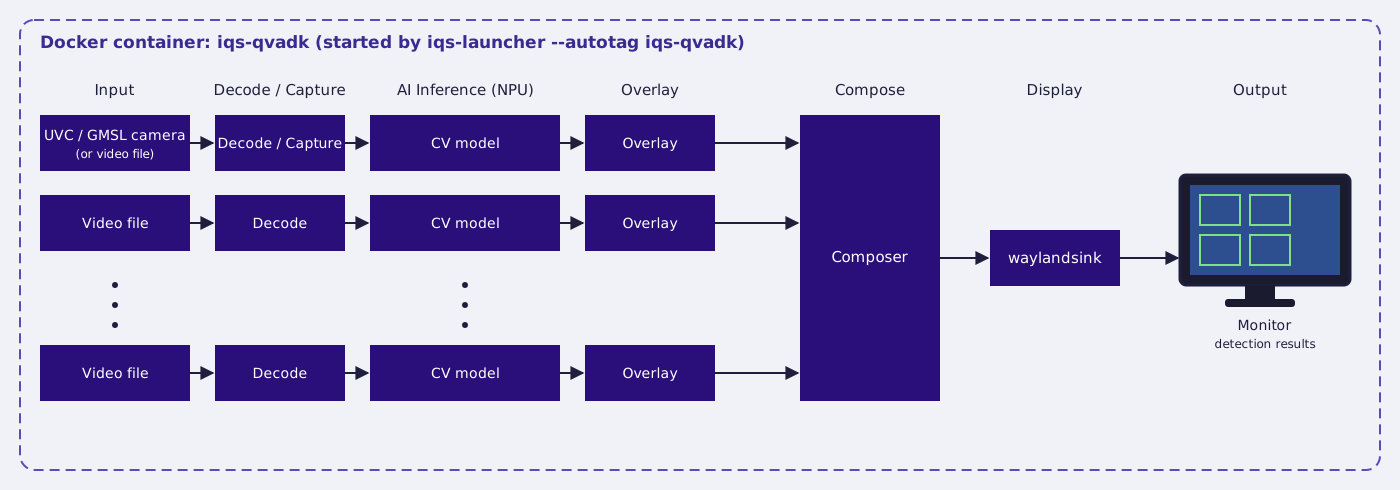
PPE can also take live input from a UVC or GMSL camera. The camera feeds the first stream; the other streams keep playing videos.
UVC camera
Requirements: at least one UVC camera with
- 1080p/30fps (1920x1080 pixels)
- MJPEG compression format
- For example, this Innodisk USB camera.
GMSL camera
Requirements: at least one GMSL camera, with its driver installed.
- 1Download the driver package for your module (for the EV3F-ZSM1,
ev3f_zsm1_pp19) from the iQ-Cam release page. - 2Install it by following the iQ-Cam GMSL Camera Guide.
Note: Make sure the iQ-Cam version and the application version match your BSP version.
Note: This demo has only been tested with the EV3F-ZSM1 camera.
Other applications (preview only)
The following applications are shown for demonstration only.